
Photoreal product rendering from 3D
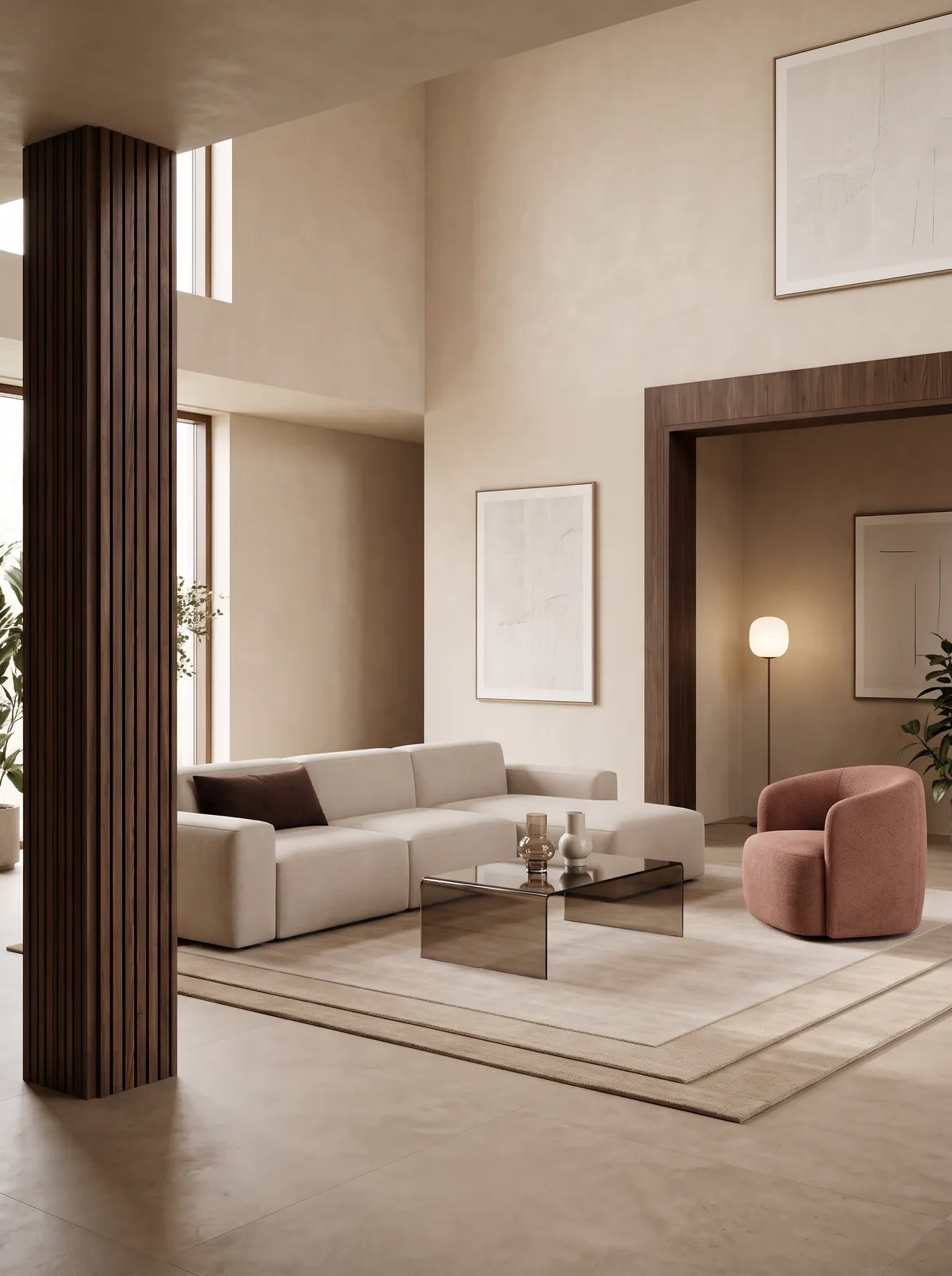
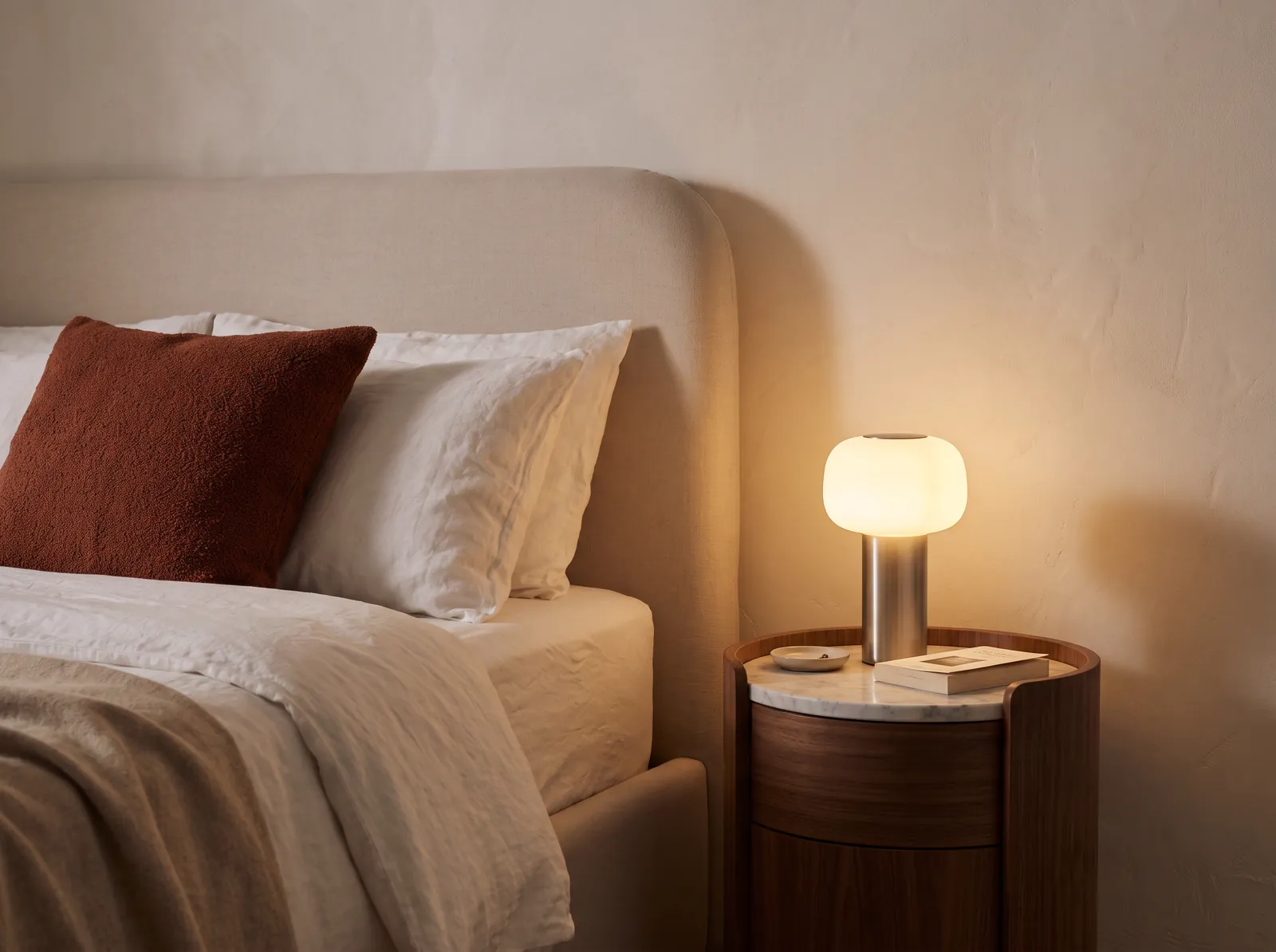
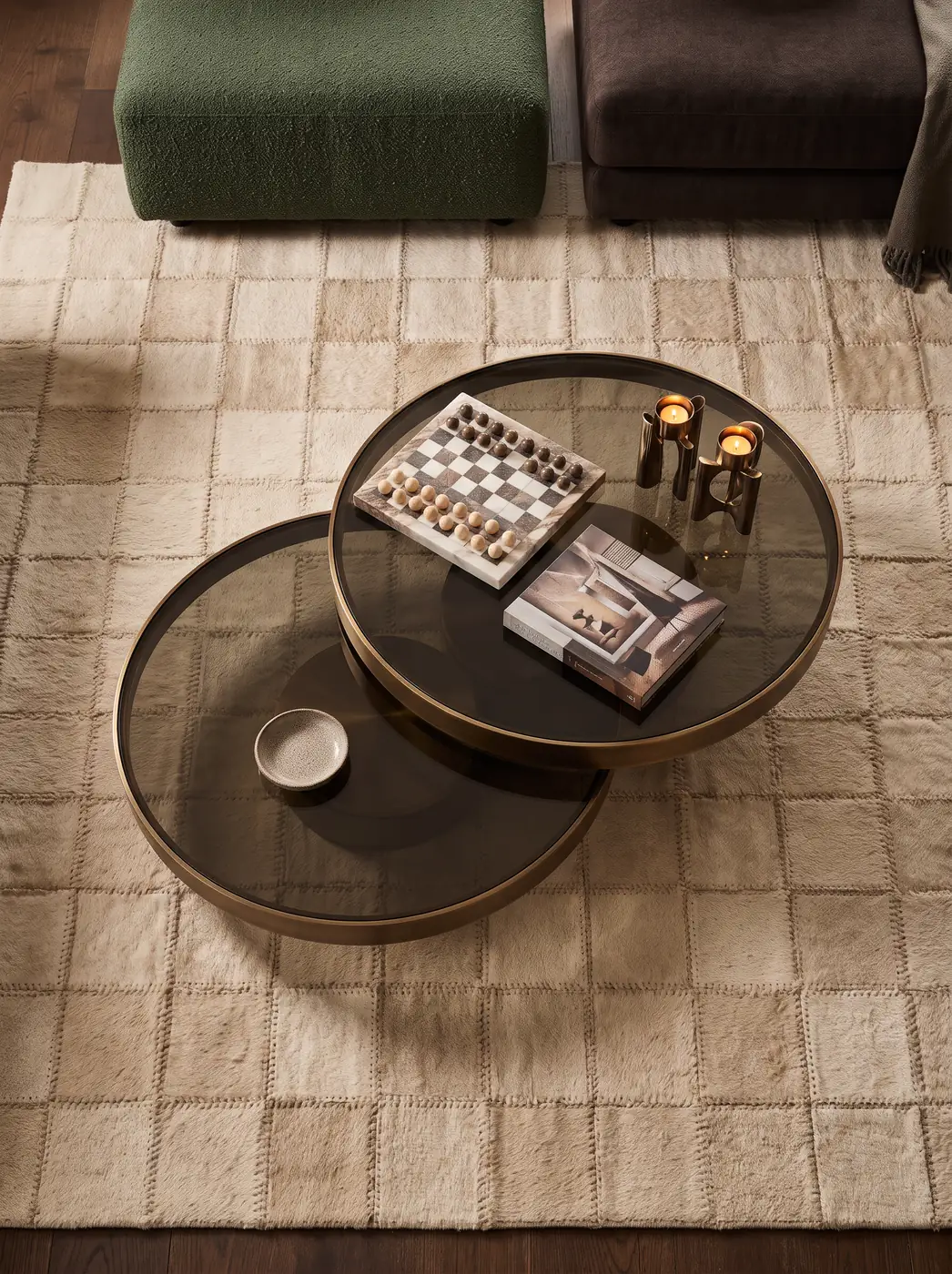
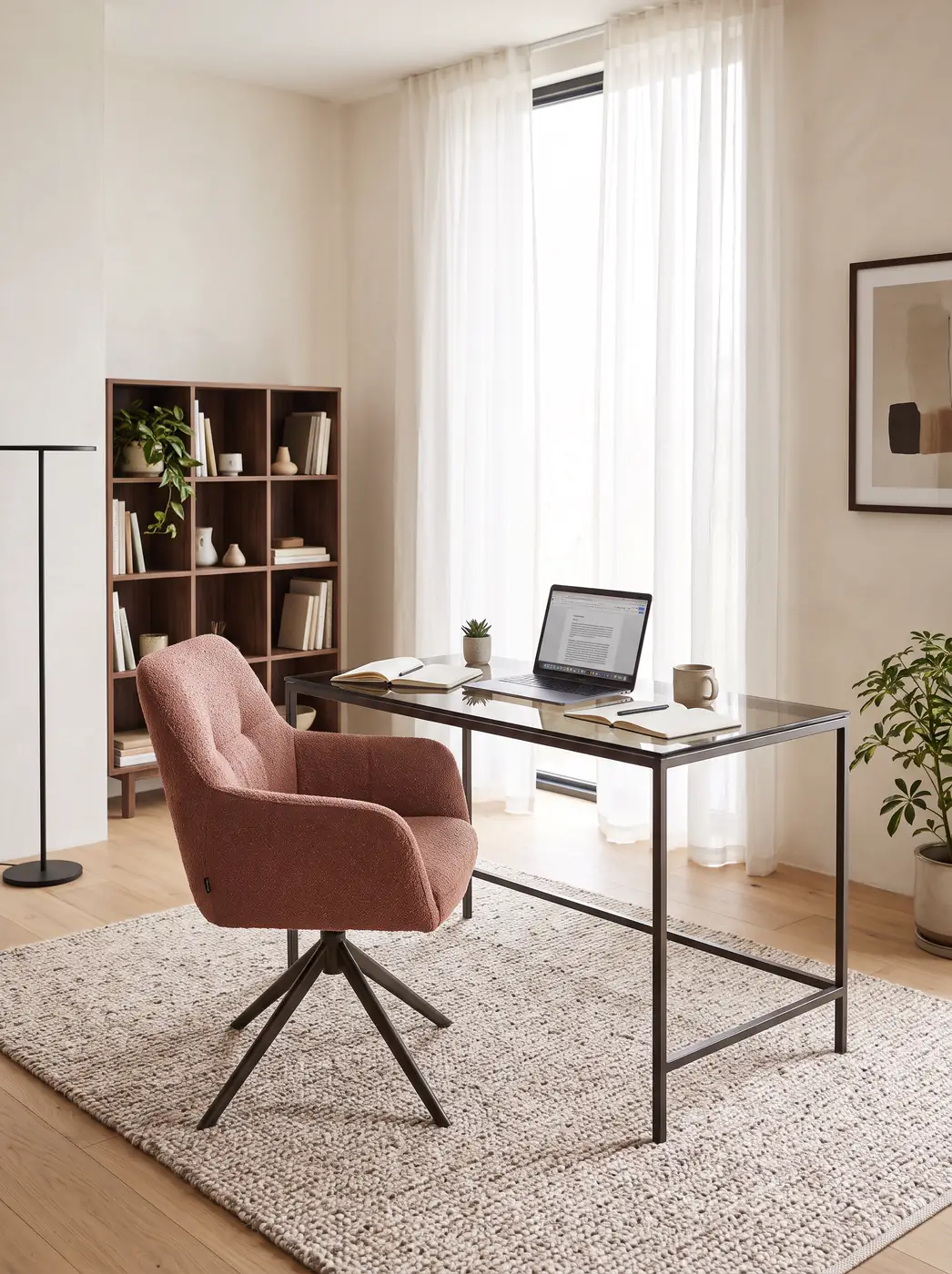
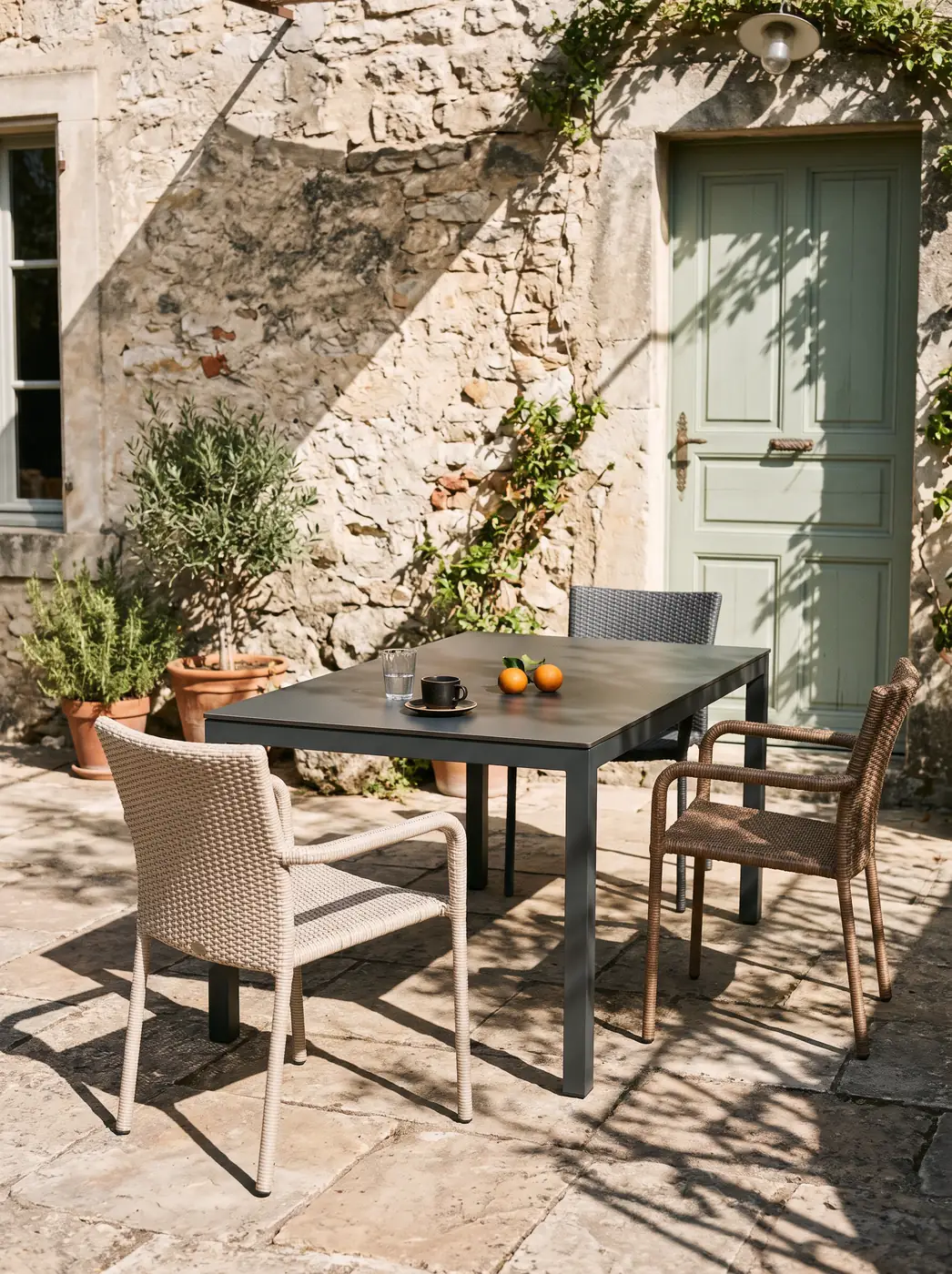
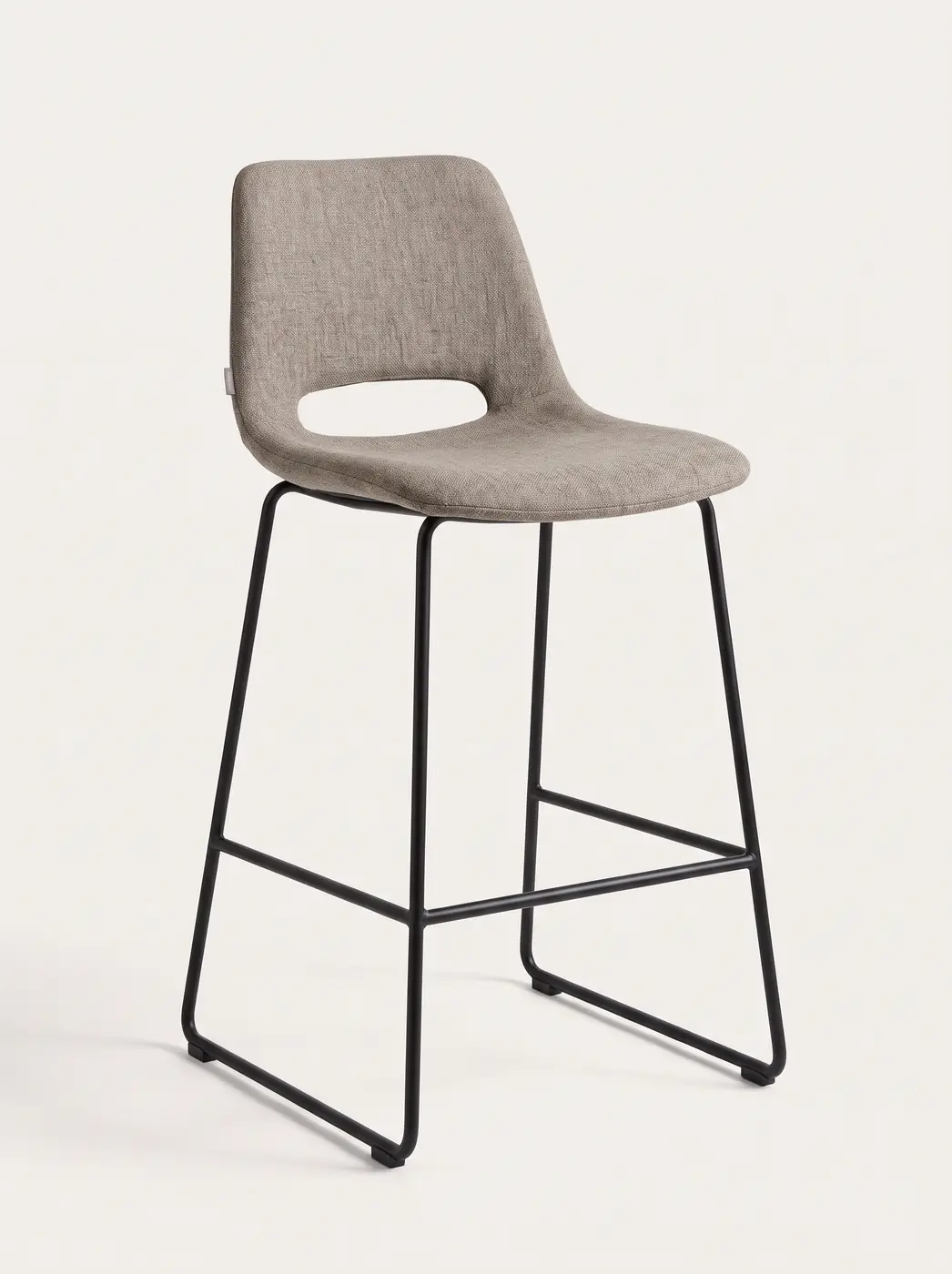
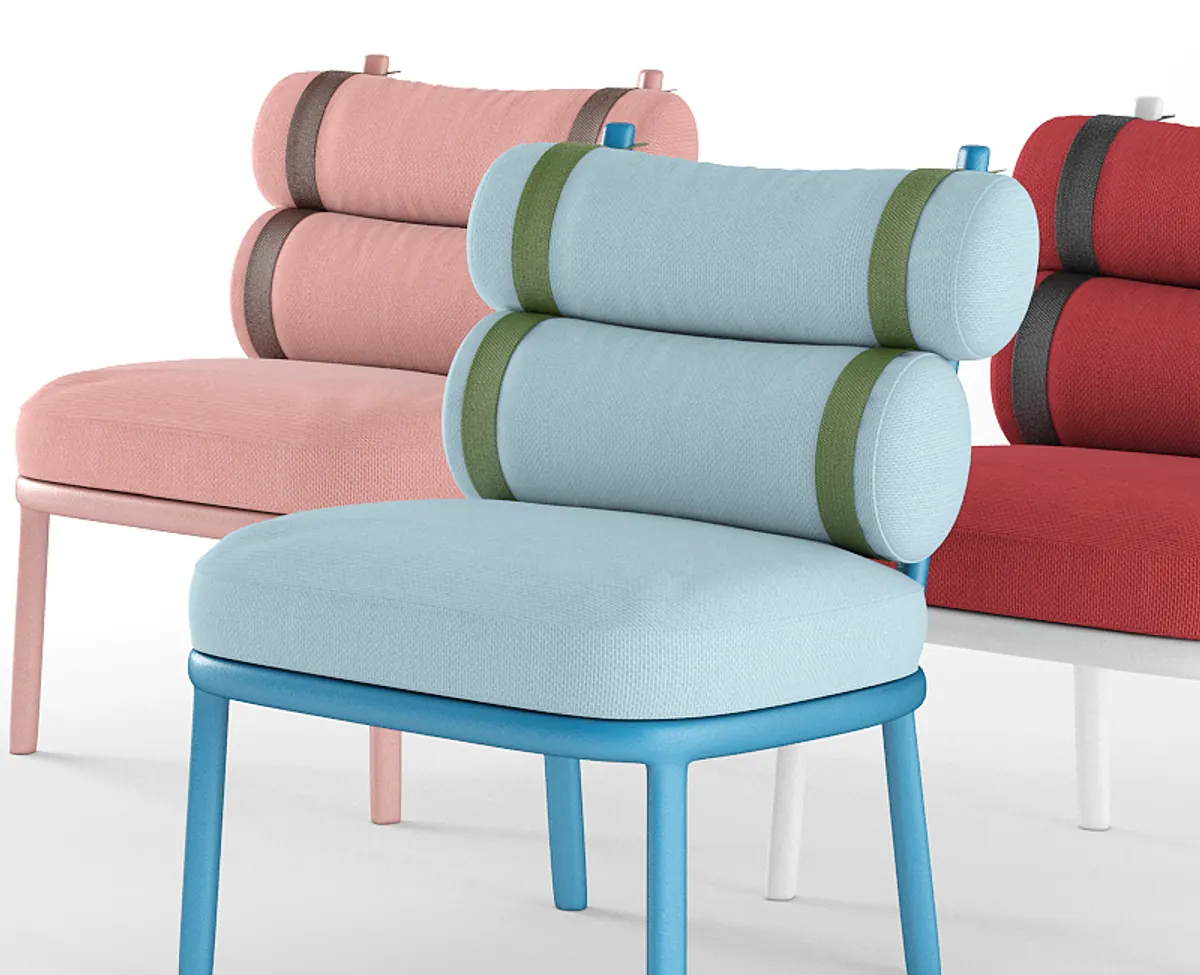
Photoreal 3D product visualization from the model: catalogue shots, white-background cut-outs, lifestyle scenes and colour variants without another photo shoot. The same model later feeds your configurator or showroom.
What product rendering from 3D is
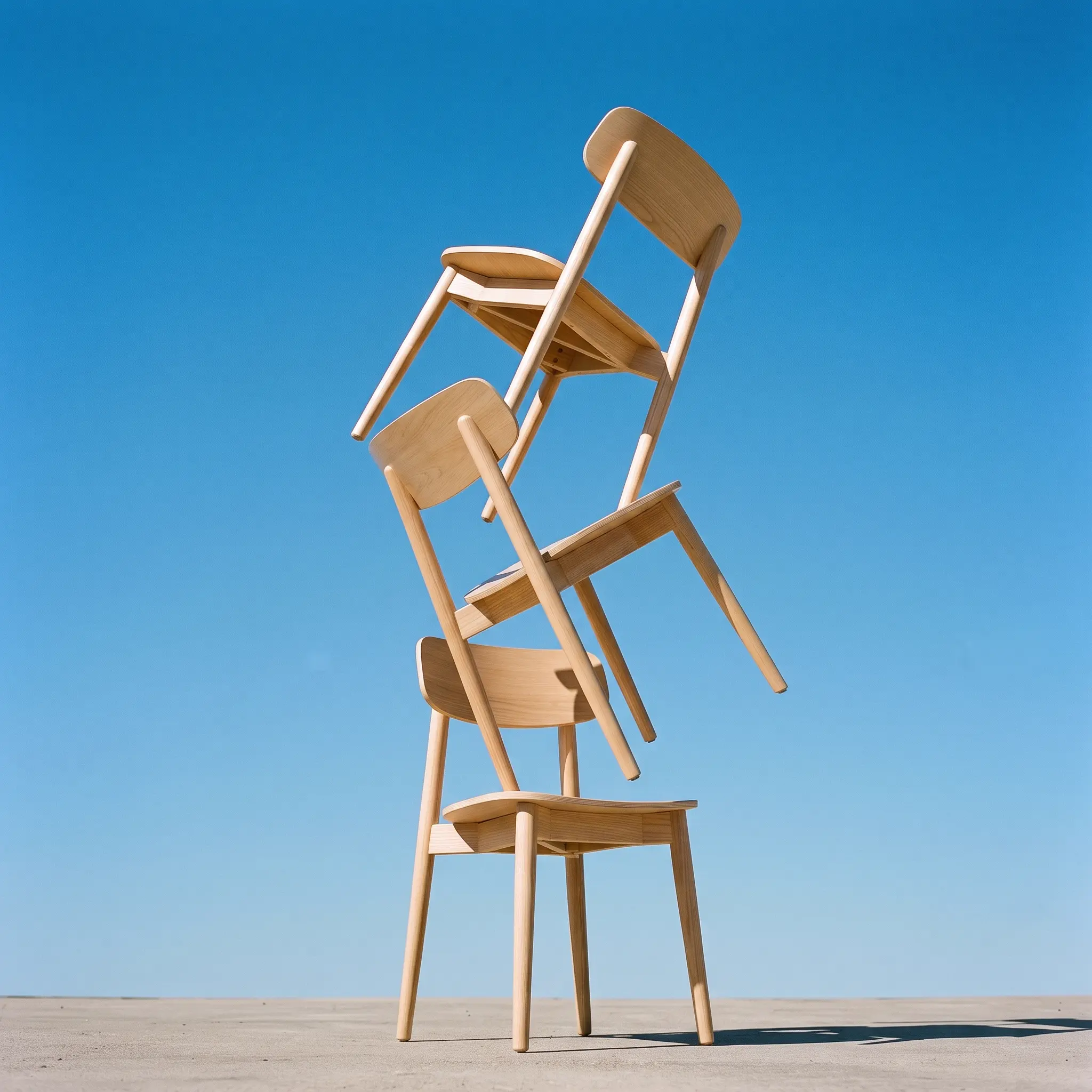
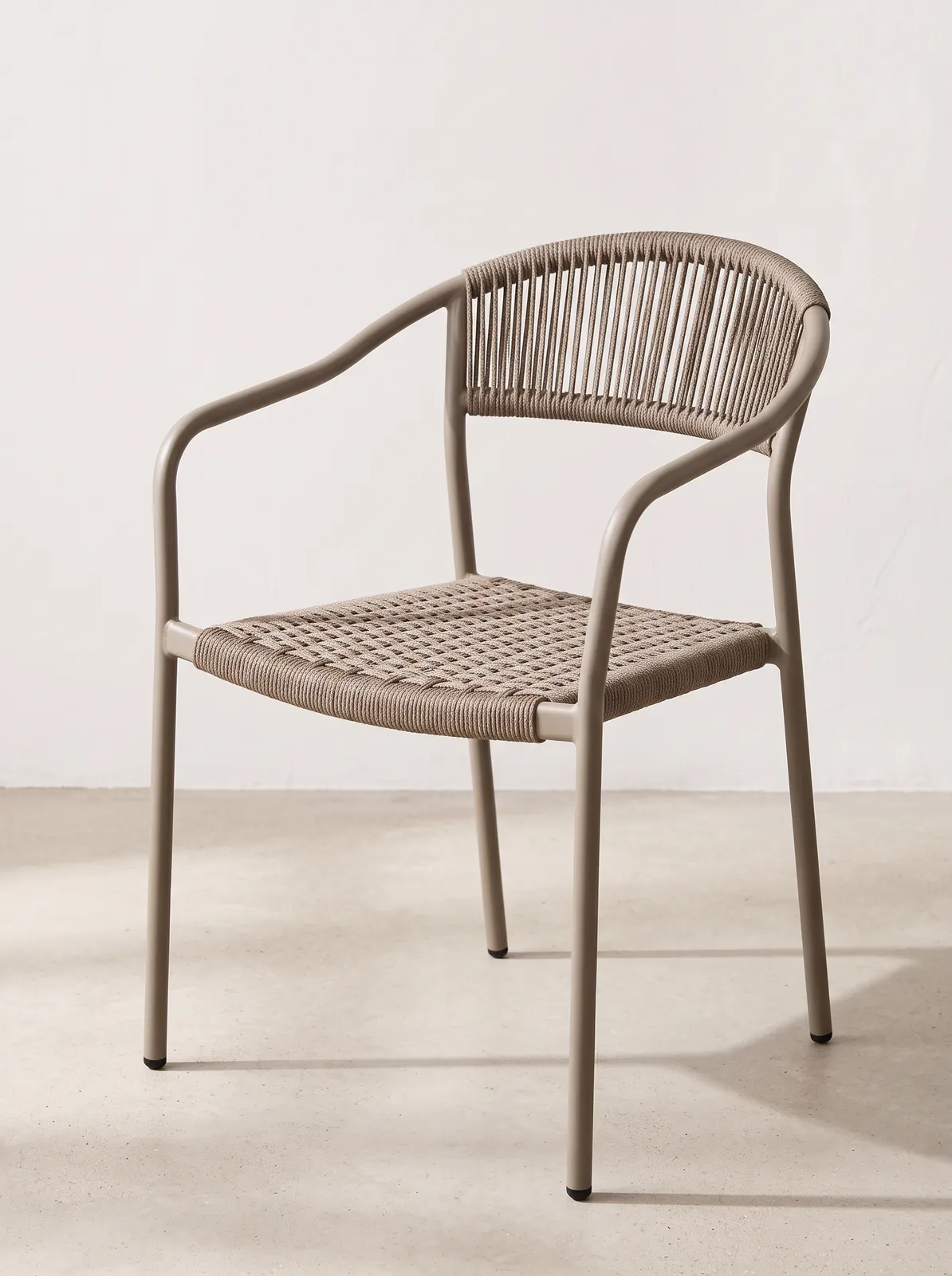
We create photoreal images for catalogue, ecommerce and campaigns: white-background cut-outs, lifestyle scenes and colour variants.
- 01
One model, every view
Front, profile, detail or lifestyle: all from the same model, no reshoots.
- 02
Studio light without a studio
Physical lighting and controlled backgrounds, the same light across the whole catalogue.
- 03
Variants without a new shoot
Each new fabric or finish is one more render, not another session with samples.
- 04
The same model feeds the configurator
Today it makes catalogue images; tomorrow it runs a configurator or a 3D showroom.
When rendering beats photographing
It pays off when the catalogue grows faster than the shoots, when every new finish needs another photo or when the product does not exist yet. Also when current images mix lights and crops.
CGI render or photo shoot
Photography starts from a physical object and captures its real skin; CGI starts from a model and builds the image. The decision is not about absolute quality but about how many variants you need, whether the product exists and how much close-up texture matters.
| Criterion | Photo shoot | Render from 3D |
|---|---|---|
| New variant | Another shoot, another sample, more retouching | Change the material and render again |
| Consistency | Depends on the light and set-up of each day | Same camera and light across the family |
| Product not built yet | Impossible without a prototype | Possible from CAD or drawings |
| Close-up texture | Maximum: it is the physical material | High with PBR; does not replace a sample in hand |
| When it fits | Few references and heavy art direction | Large catalogue, variants and ecommerce |
From CAD to images in four steps
The work goes from model to delivery without skipping the check: first which images the catalogue needs, then geometry, then materials and light, and finally the files and the web version of the model.
- 01
We define views and outputs
What the catalogue needs: cut-outs, scenes, details, variants. Also the format of each image, before anything is modelled.
- 02
We build or adapt
We import STEP, IGES, SolidWorks or Rhino; without CAD we model from drawings or photos. Scale and proportions are validated here.
- 03
We set light and PBR
Every material with its colour, roughness and texture, from real samples. The same light across the product family.
- 04
Images and web model
We deliver the images and the optimised model in glTF, USD or FBX, ready for the configurator or showroom.
Frequently asked questions
What is product rendering from 3D?
It is producing photoreal images of a product from its 3D model. It is used for catalogue, ecommerce and campaign, and allows colour or finish variants without repeating a photo shoot. It can be supported by AI techniques.
Does it replace a photo shoot?
Yes: cut-outs, scenes and variants come from the model and serve the whole commercial life of the product.
Can I get colour variants without photos?
Yes. If materials are defined, each variant is a parameter change.
Can the model be used in a configurator later?
Yes, and that is why we work this way. We optimise the same model to glTF for the web, with a target of under 5 MB per product and 60 fps on mobile, and connect it to the configurator or showroom.
Do I need to send physical samples?
If the material is the sales argument, yes: a sample lets us set colour, roughness and texture. Supplier files also work. Without a reference the material is an approximation, but we always recommend starting from the real thing.
What content comes from a single 3D model?
White-background cutouts, lifestyle scenes, 360 views, video and colour variants, all from the same model. When a finish changes, the material is updated and the images are regenerated, with no new photo shoot. The same model later powers the configurator and the showroom.
Do you render furniture and made-to-measure pieces?
Yes. Furniture rendering is the most common case: sofas, chairs, tables, kitchens and wardrobes from the CAD file or the factory 3D model. The same model produces the white-background cut-outs, the lifestyle scenes and every fabric and finish variant, without building each combination or repeating the photo shoot.
Are you a rendering company?
We are a 3D software company. We do product rendering for manufacturers, not architectural visualisation. The difference is that the model does not stop at the image: the same file later feeds the configurator and the showroom.