
3D for machinery and robotics manufacturers
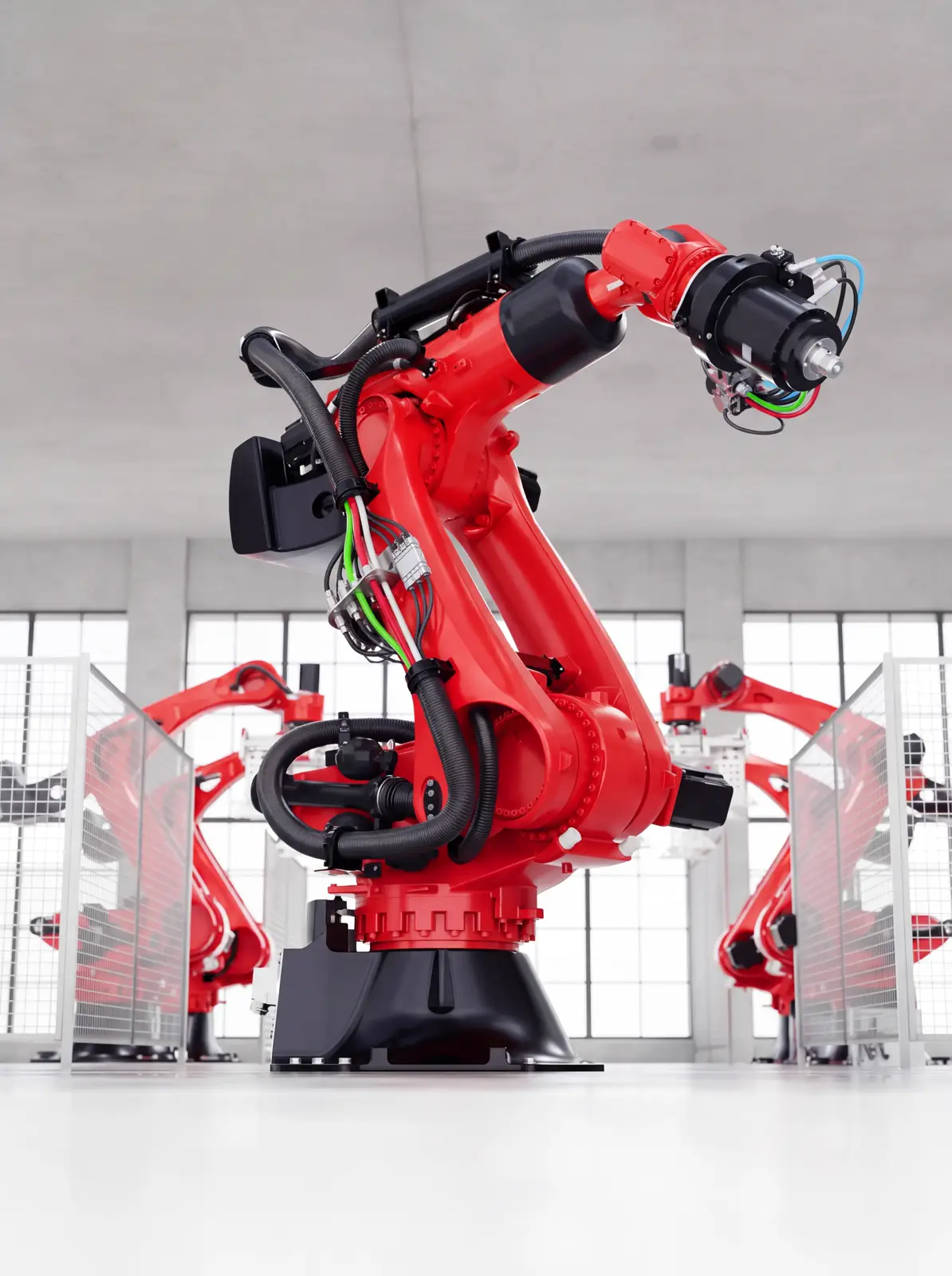
The customer configures the machine or robot in the browser with its versions, tools and accessories, sees it on the plant floor at real scale and the quote comes out with the exact configuration.
What selling machinery and robotics in 3D means
It means turning the machine or robot into a model that opens in the browser with its real variants: sizes, power, reach, end effector, guarding and accessories. The buyer sees it on the plant floor at scale, combines options and the quote comes out with factory references.
When 3D pays off in machinery and robotics
It pays off when every sale combines options that change price or lead time, when the customer needs to see the equipment in their plant before deciding, and when distributors and integrators sell with material you do not control. Also when taking the equipment to every demo costs more than the demo.
Datasheet, video or configurator
The datasheet documents dimensions and performance, but the buyer has to imagine the equipment in their plant. A video shows one installation and does not answer “and with this option?”. The configurator answers that question and writes the order down. The 3D model serves all three.
| Criterion | Datasheet | Application video | 3D configurator |
|---|---|---|---|
| What it shows | Dimensions and performance | Another customer’s installation | The equipment with the options of the order |
| A new option | Another datasheet | Another shoot | Goes into the rules and the price |
| Floor space | Read from the drawing | Not shown at scale | Shown at real scale |
| Quote | Worked out by hand | Not involved | Comes out with references to ERP or CPQ |
From equipment to configurator in four steps
Work starts from the options, not the geometry. With the variant list closed, the CAD is simplified, the plant environment is built and it is published where sales or distributors sell.
- 01
We close the options
What is configured and what is not, with the incompatibilities engineering applies today.
- 02
We simplify the equipment
From thousands of parts to a mesh that opens in the browser, with envelope, access and axes intact. Target: under 5 MB and 60 fps.
- 03
We build the environment
Floor, line, fencing and real scale, with PBR materials and several cameras. The customer sees the footprint.
- 04
We publish and integrate
Configurator and showroom on the same base, with the configuration sent to your ERP or CPQ. The code and models are yours.
Frequently asked questions
Can a large machine run in a browser?
Yes, if it is simplified with judgement. We reduce CAD with thousands of parts to a light mesh while keeping envelope, access and maintenance points. Not every bolt survives: if the project needs them, we say so before starting.
What can be configured on a robot?
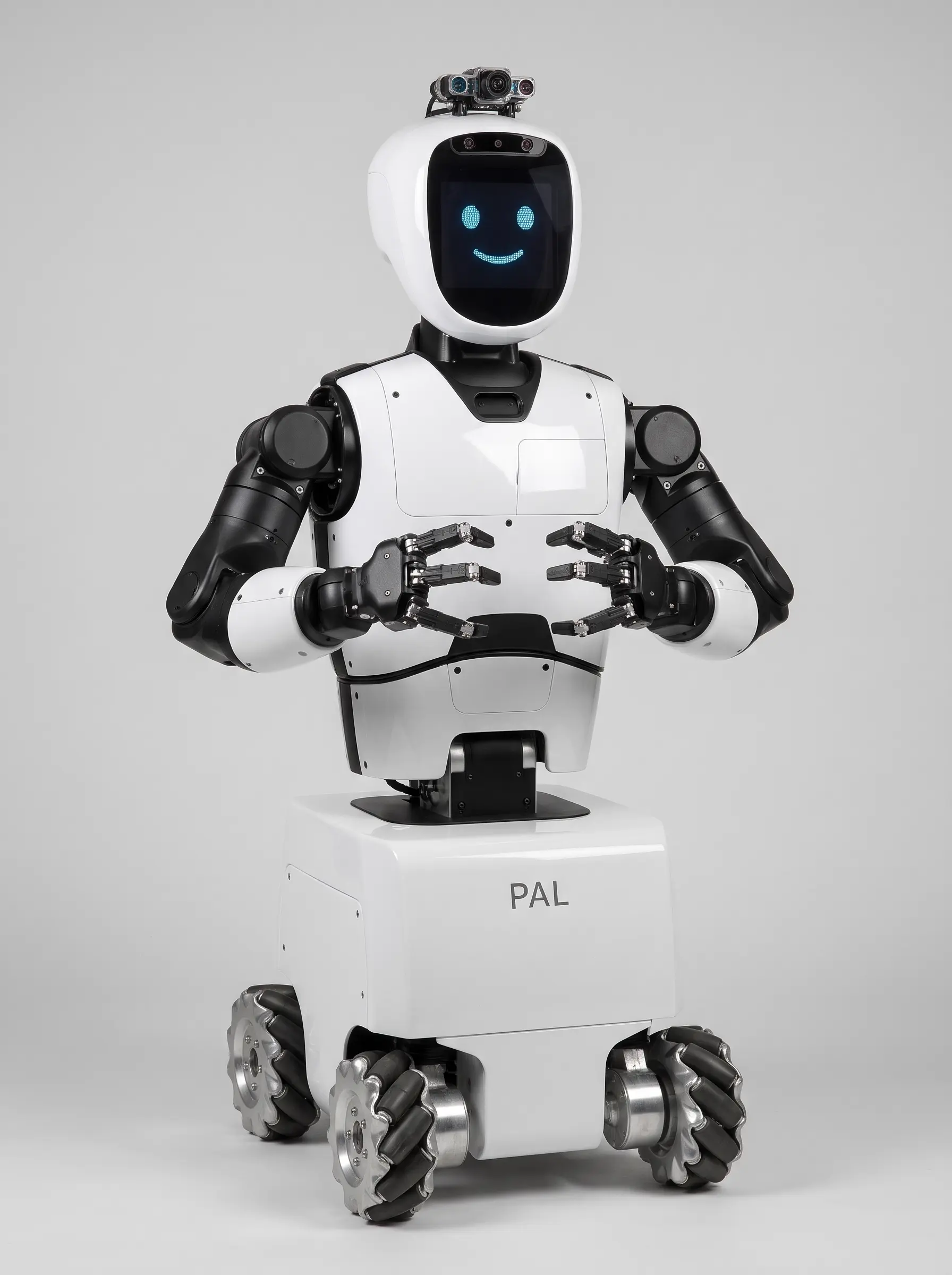
Whatever you sell as an option: arm by reach and payload, end effector, pedestal or track, controller, vision, fencing and safety scanners. On AGVs and AMRs, top module, battery and charger.
Is it a path or cycle-time simulator?
No. The configurator shows the equipment at scale and writes the order down, but it does not compute paths, collisions or cycle times. The 3D model can come from the same CAD your simulation software uses.
Can the equipment be shown moving?
Yes, with predefined motions: axes, gripper opening, an AGV route or a running conveyor. These are presentation animations, not a physics simulation.
Does it work for distributors and integrators?
Yes. The B2B showroom gives them the full range with datasheets, dimensions and downloads, always at the current version, and the configurator can open with their login to prepare quotes.