
3D for lighting manufacturers
A 3D configurator for lighting manufacturers: buyers pick family, size, finish and colour temperature and see the fixture in a room at real scale. The same model feeds catalogue, showroom and campaign.
What taking a lighting collection into 3D means
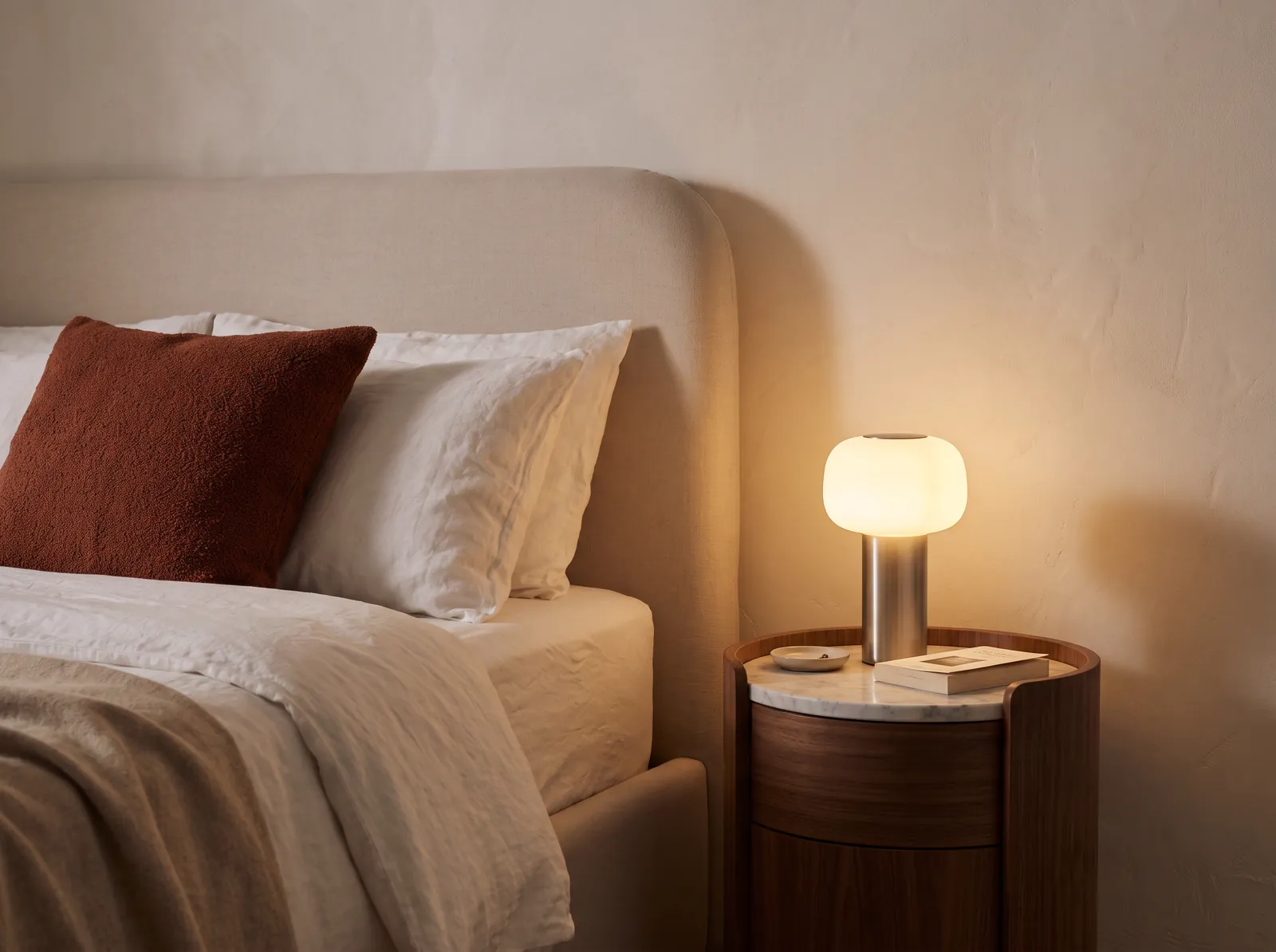
Taking a lighting collection into 3D means building each family once — body, diffuser, suspension and finishes — and reusing it for the catalogue, the configurator, the specifier showroom and interior imagery. A fixture sells switched on and in context, not cut out on white.
When 3D pays off in lighting
It pays off when the catalogue holds more finishes and sizes than a seasonal shoot can cover, when specifiers ask for context rather than a product shot, and when questions about dimensions and compatibility arrive by email before every order.
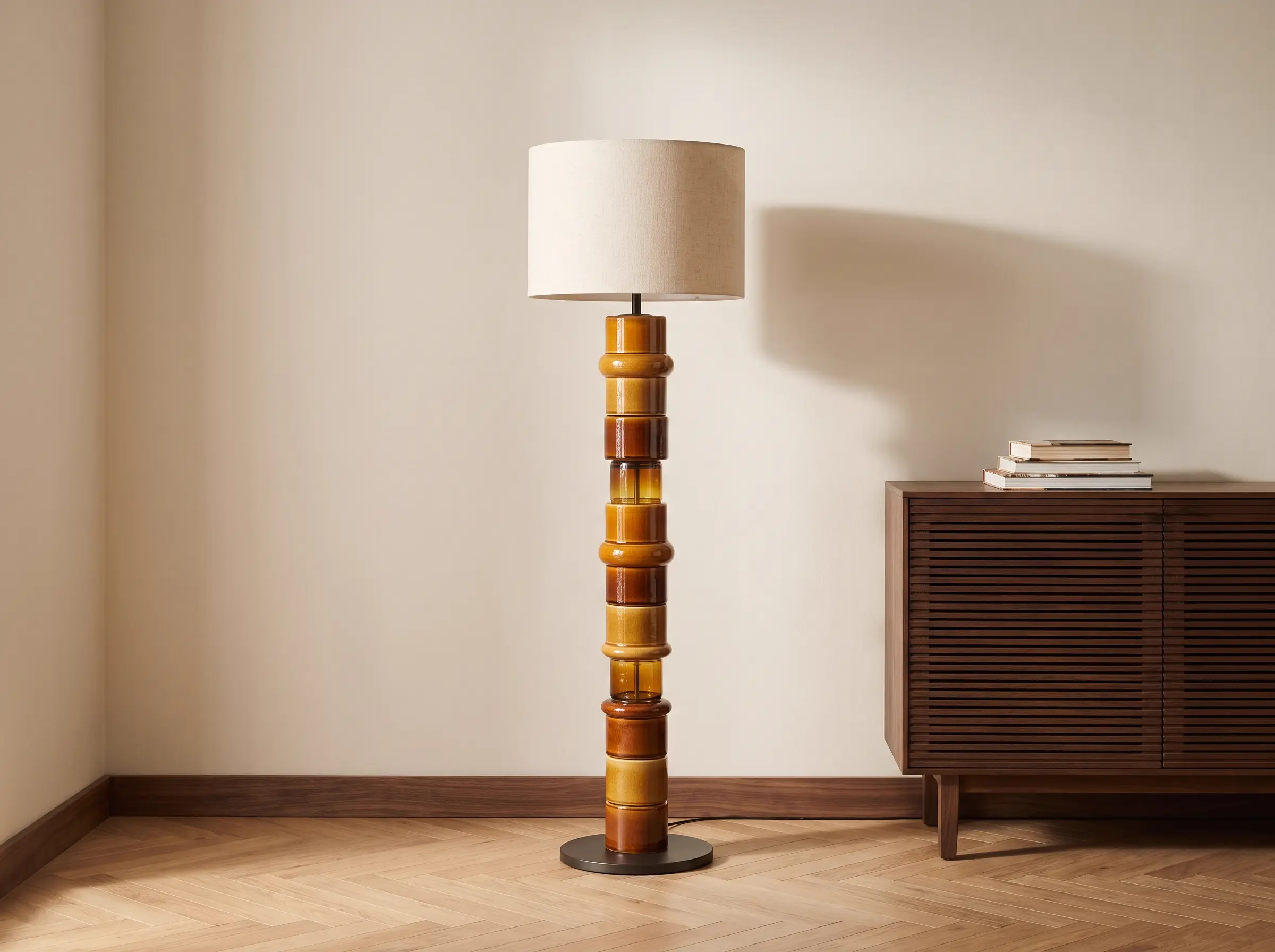
Photo shoot, scene render or configurator
Photography gives the best surface and the worst cost per variant: every new finish goes back to the set. A scene render places the fixture without moving a box. A configurator produces no imagery: it produces a valid configuration that reaches the order.
| Criterion | Photo per finish | Scene render | Configurator |
|---|---|---|---|
| What it shows | The part cut out, under controlled light | The part in an interior at scale | The part combined by the buyer |
| Cost of a new finish | Another shoot, another sample, more retouching | Re-render, no set or samples | Enters the rules and the library |
| Size and scale | Depends on framing | Correct if the model is at scale | Those on the sheet, no guessing |
| When it fits | Few variants, heavy art direction | Catalogue, campaigns and press | Variants that move price or size |
From family to configurator in four steps
The work runs by family, not by deliverable. First we settle what can be configured, then geometry, then materials and light, and finally the place where the buyer will use it.
- 01
We pick the family and its axes
Body, size, suspension and finishes. Out comes the list of variants the factory really makes.
- 02
We build the geometry
We import STEP, IGES or Rhino. With no CAD, we model from drawings or the physical piece. Target: under 5 MB and 60 fps on mobile.
- 03
We calibrate finishes and light
Each finish with its factory reference, its PBR material and its response to light. Matte black and brass do not reflect the same.
- 04
We publish and integrate
Configurator, showroom or gallery on one base, connected to your ERP or CPQ. You get the code and the models.
Frequently asked questions
How much does a 3D lighting configurator cost?
It depends on the families, finishes and sizes, the models to build and the ERP or CPQ integration. After a 30-minute call we send a proposal with fixed scope and price.
Can the configurator show the light switched on?
Geometry and finish, yes; photometric behaviour, not accurately. In WebGL we approximate emission and colour temperature. Deciding a lighting scheme needs a professional calculation: we do not replace it, and we say so before starting.
Does it work for specifiers and architects?
Yes. The B2B showroom holds the collection with sheets, dimensions, finishes and downloads, with access for distributors and interior designers. You can launch novelties before the sample arrives and keep material current all year.
How do you handle forty finishes and several sizes?
With a closed material library and compatibility rules. Every finish carries its factory reference and PBR material; every size, its limits. What is not made never appears as an option, and the name matches the one in your ERP.
Does it work on mobile, and do I need my own 3D models?
Yes to the first: the target is 60 fps on a mid-range phone and under 5 MB per product. And you do not need models: if there is CAD we start there; if there are only drawings, photos or a physical unit, we build it.