
3D modular sofa configurator
A 3D sofa configurator lets buyers build a composition module by module (arms, chaise longue, fabric) with real dimensions and only the combinations your factory makes.
What a 3D sofa configurator is
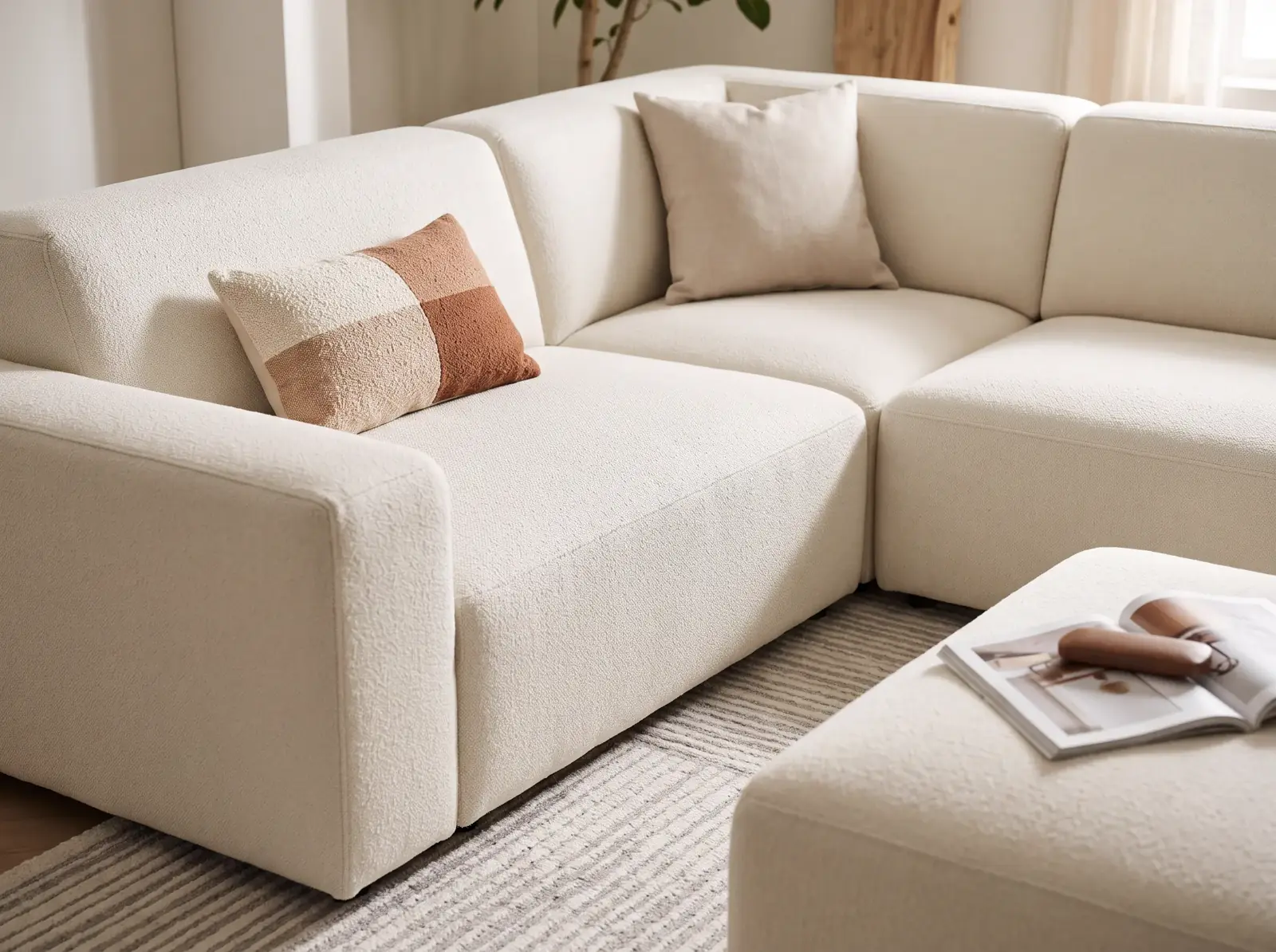
A 3D sofa configurator is a web tool where buyers build the piece from modules, arms and fabrics and see the result and the price instantly. Your factory rules decide which combinations exist.
When a sofa configurator pays off
It pays off when the catalogue holds more combinations than a PDF can explain and the customer or designer wants to know what fits in their space.
Building by hand or with rules
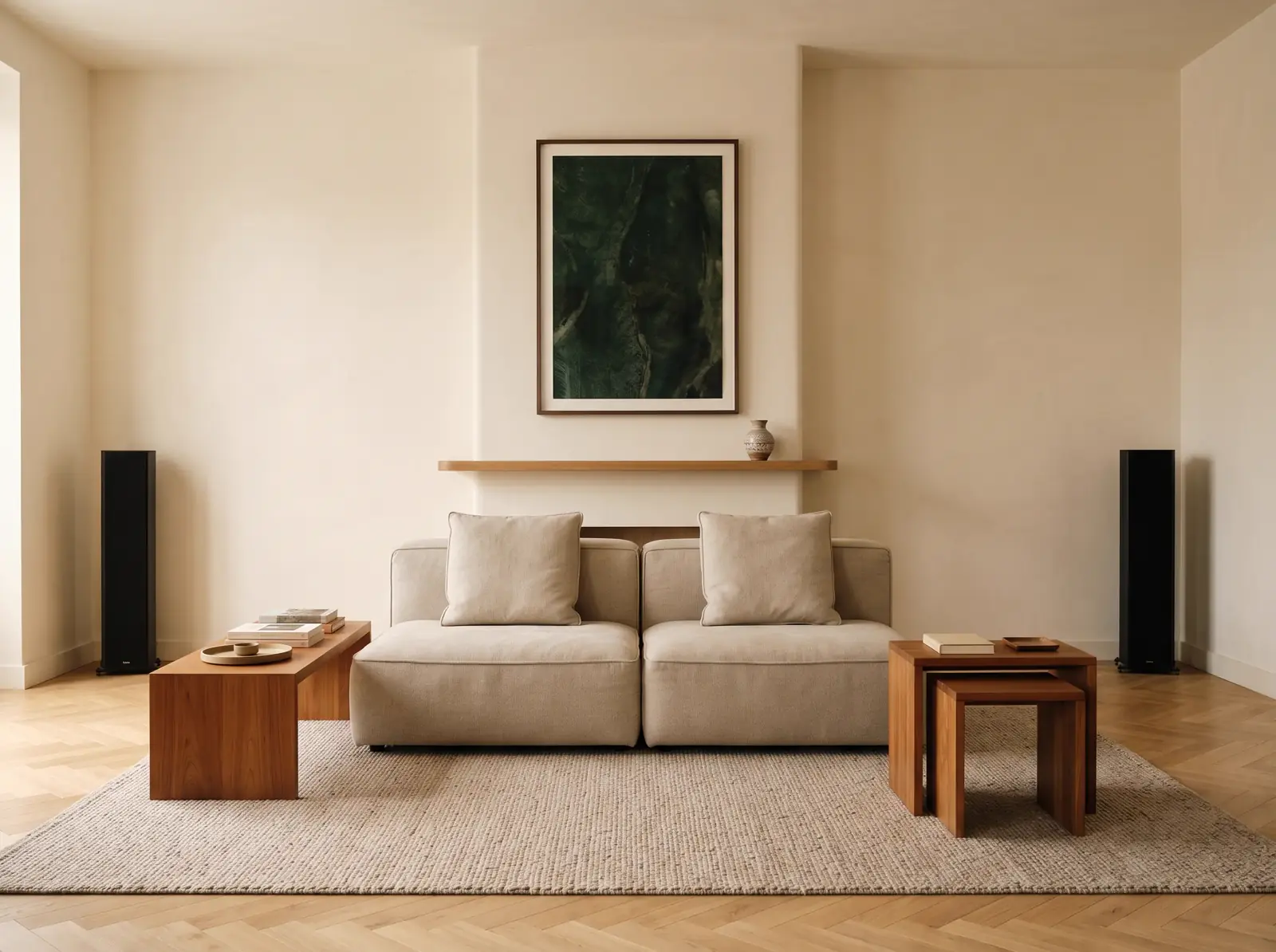
A PDF shows the piece and pushes every dimension check outside the tool. A configurator with rules checks while the buyer decides: it adds modules, removes what cannot be built and returns a configuration the order can read without translation.
| Criterion | PDF and email | 3D configurator |
|---|---|---|
| What the buyer sees | One photo per fabric, no dimensions | The composition in 3D, with total width |
| Dimensions | Sales checks them by hand | Modules and arms add up; warns if it will not fit |
| Price | Calculated elsewhere and sent separately | Updates with modules, fabric and extras |
| Order | Retyped into the ERP | Leaves as a reference or order line |
From the module matrix to the web
The project runs in four stages: what can be composed, geometry, the fabric library and the output to the order. It is measured in weeks, and each stage closes before the next one opens.
- 01
We fix the matrix
Modules, arms, chaise longue, legs and fabrics: what combines with what and which dimensions are valid. It comes from your factory.
- 02
We build the geometry
We start from STEP, IGES, SolidWorks or Rhino; without CAD we model from drawings or photos. Every module is a reusable part.
- 03
We build the library
Each fabric with its reference, PBR material and commercial name. The change shows on screen and nobody argues about a code.
- 04
We connect the output
The configuration reaches the quote or the ERP with your codes. We publish it on your site and hand over the code and the models.
Frequently asked questions
What can be configured?
Modules, seat count, arms, chaise longue, fabric, supports and finishes, with the dimension each part adds. Also extras such as cushions or other pieces.
How do you check the composition fits the room?
The configurator adds the width of modules and arms and shows total width. If the buyer enters the available space, the tool warns when the composition will not fit.
Can buyers see the real fabrics?
We build PBR materials from samples or your supplier files: colour, roughness and texture.
Is the price calculated in the configurator?
Yes. Each module, arm, fabric or leg can carry its price and surcharges, and the total updates as the composition changes.
Does it work on mobile?
60 fps on a mid-range phone and under 5 MB per product.